
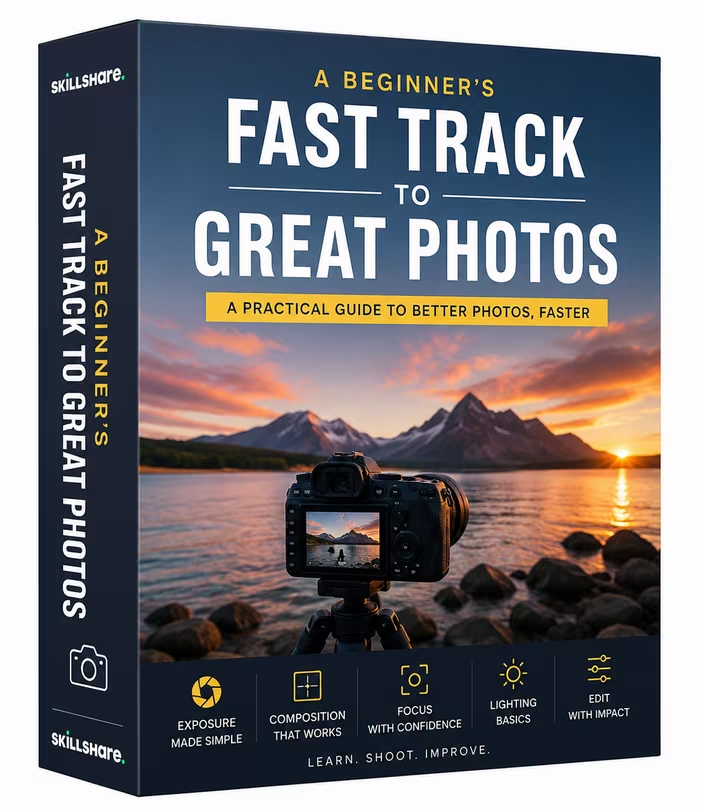
Free Download A Beginner's Fast Track to Great Photos
Released 5/2026
MP4 | Video: h264, 1280x720 | Audio: AAC, 44.1 KHz, 2 Ch
Genre: eLearning | Language: English | Duration: 1h 18m | Size: 508 MB
This fast track photography class will get you up and running really quickly and you will soon be capturing amazing photographs to be proud of. Photography is simple once you realise it is just three elements that you have to balance to capture the perfect photo. Aperture size, shutter speed and ISO.
As well as learning how to balance of these 3 elements in the manual mode you will learn how much quicker it can be if you let the camera help you when using the priority modes found on the mode wheel.
Creatively you will learn how to control background blur using aperture size and how to freeze and capture motion with shutter speed.
Each module is packed with useful information to give you a solid understanding of your camera controls and how best to use them. Easy to follow explanations and practical demonstrations make learning how to get the best from your camera really simple and fast.
What you will learn in the Beginners Fast Track to Great Photography
Introduction
A welcome from your host Frank Minghella
The Three Elements
Your photography journey begins with an introduction to the 3 exposure elements. With an easy to follow explanation and fabulous animations you will quickly grasp how exposure works.
Camera Modes
The mode wheel on the top of your camera allows you to switch between modes. In this module we will look at the modes where your input matters and the difference between the full manual and semi-automatic options
Setting Up Your Camera
Making sense of the camera menu and quick menu to make fundamental changes ready to capture photographs. A simple guide to settings and what they do.
Focusing
A look at the many focusing options your camera has to offer. From single point focus and continuous focus to focus detection and focus tracking. Know which is best for what situation.
Aperture Size
As well as helping to control exposure Aperture Size lets us control how much of our photograph is in focus - this is called depth of field. We all love a photograph with a blurry background or a sharply focussed landscape and aperture size helps us to control that ratio of what is in focus. You can watch me capture photographs using various aperture sizes and we will compare the results. The module finishes with a slideshow of photographic examples each clearly showing the particular aperture size used to create each photograph.
Shutter Speed
Like aperture size shutter speed helps us to control exposure, but used creatively it also allows us to freeze action or capture motion. In this module I will demonstrate the effect of using different speeds in a fun practical demonstration where you can watch me freeze the action and capture motion. Finally I will also show you a series of photographic examples each clearly showing the particular shutter speed used to create each photograph.
ISO
One of the three exposure elements, not as glamorous as the other two though equally important to help balance the exposure. We consider ISO as our method of last resort as increasing the ISO value can introduce digital noise. But it is super handy in dimly lit environments or when a very fast shutter has been selected.
RAW v JPG and White Balance
File format is a very important decision when starting your photographic journey. Should you shoot in the RAW format or stick with Jpegs? The RAW format offers more scope to be edited with its greater dynamic range. Whereas Jpegs are instantly usable. Both have their place. White balance controls how the camera reads and renders colour in your photograph. Get the white balance wrong and you will have a very unpleasant photograph.
Homepage
Loading…
www.skillshare.com
Recommend Download Link Hight Speed | Please Say Thanks Keep Topic Live
Rapidgator
pxqno.A.Beginners.Fast.Track.to.Great.Photos.rar.html
AlfaFile
pxqno.A.Beginners.Fast.Track.to.Great.Photos.rar
No Password - Links are Interchangeable

