
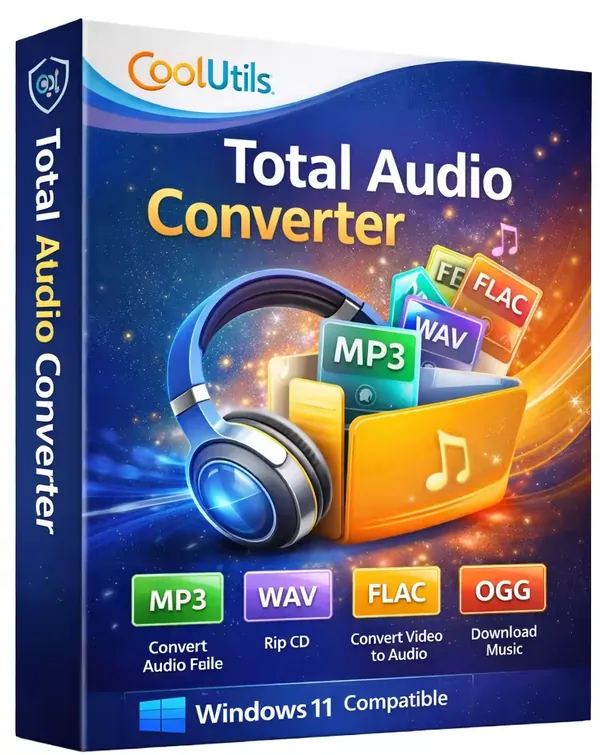
CoolUtils Total Audio Converter 6.1.0.298 Multilingual Portable (x64) | File size: 81 MB
CoolUtils Total Audio Converter is an audio conversion utility for Windows that enables users to convert music and audio recordings between a wide range of popular and specialized formats. It is suitable for organizing music libraries, preparing audio for portable devices, preserving archives, and converting files for professional or personal projects.
The software supports batch processing, allowing multiple audio files to be converted in a single operation while providing options to adjust output settings such as bitrate and sample rate. It also includes tools for managing metadata, working with CUE sheets, ripping audio CDs, and integrating converted files into compatible media libraries.
The Portable edition can be used without a traditional installation process, making it convenient for users who need a flexible audio conversion tool that can be carried on removable storage or used across multiple compatible Windows systems.
Key Features:
- Convert audio files between numerous popular and specialized formats.
- Support MP3, WAV, FLAC, OGG, WMA, AAC, M4A, APE, Opus, MIDI, TTA, AMR, MP4, and many other formats.
- Convert multiple files simultaneously with batch processing.
- Adjust output bitrate and sample rate during conversion.
- Preserve and edit ID3 tag information.
- Read and process CUE files.
- Rip audio tracks directly from CDs.
- Retrieve track information from the CDDB database when available.
- Merge multiple audio files into a single album.
- Integrate converted files with iTunes.
- Convert supported online audio from YouTube and SoundCloud.
- Launch conversions from the Windows context menu.
- Use command-line support for automated workflows.
- Play audio files with the built-in player.
- Display detailed technical information for audio tracks.
Why Choose CoolUtils Total Audio Converter:
CoolUtils Total Audio Converter provides a practical solution for users who regularly work with audio collections in different formats. Its support for batch conversion, metadata handling, CD ripping, and format customization makes it suitable for home users, music enthusiasts, and professionals who need reliable audio conversion tools.
The application combines an accessible interface with advanced conversion options while supporting a broad range of audio formats and workflows.
What's New:
• Official site does not provide any information about changes in this version.
System Requirements:
Windows 7/8/10/11
Home Page
Code:
https://www.coolutils.com/Recommend Download Link Hight Speed | Please Say Thanks Keep Topic Live
Rapidgator
CoolUtils.Total.Audio.Converter.6.1.0.298.Portable.rar.html
CoolUtils.Total.Audio.Converter.6.1.0.298.Portable.rar.html
DDownload
CoolUtils.Total.Audio.Converter.6.1.0.298.Portable.rar
FreeDL
CoolUtils.Total.Audio.Converter.6.1.0.298.Portable.rar.html
Links are Interchangeable - No Password - Single Extraction

