
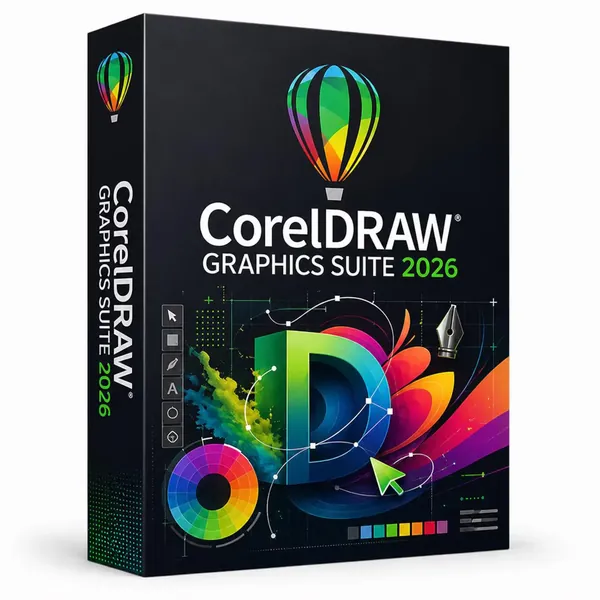
CorelDRAW Graphics Suite 2026 v27.1.0.129 (x64) Multilingual Fast Links | 1.34 GB
CorelDRAW Graphics Suite 2026 is a professional graphic design environment that combines vector illustration, page layout, photo editing, and visual content creation tools in a unified workflow. It is designed for graphic designers, illustrators, marketing professionals, engineers, manufacturers, and creative teams who need reliable tools for producing digital and print-ready artwork.
The suite provides a complete set of applications for creating logos, illustrations, technical graphics, marketing materials, signage, layouts, and other visual projects. Its integrated workflow allows users to move efficiently from initial concepts to finished designs while maintaining precision and creative control.
With support for advanced drawing tools, image editing features, collaboration options, and broad file compatibility, CorelDRAW Graphics Suite helps users manage professional design projects across different industries and production environments.
Key Features:
- Create vector illustrations, layouts, logos, signage, and marketing graphics.
- Edit and enhance photos using layer-based image editing tools.
- Work with integrated applications including CorelDRAW and Corel PHOTO-PAINT.
- Collaborate with clients and colleagues through CorelDRAW.app.
- Use professional vector drawing and shaping tools for complex artwork.
- Apply creative effects such as Contour, Envelope, Blend, and Mesh Fill.
- Perform bitmap-to-vector conversion with PowerTRACE technology.
- Adjust colors, fills, transparencies, gradients, patterns, and mesh fills.
- Edit graphics using non-destructive design features.
- Create perspective-based drawings with flexible perspective tools.
- Support touch input, pen devices, and Microsoft Surface Dial integration.
- Import and export content in more than 100 supported graphic file formats.
- Manage professional print, web, and digital design workflows.
What's New in 2026?
The latest release introduces improvements across the design workflow, performance, and creative tools. Updates focus on enhancing productivity, refining editing capabilities, improving collaboration features, and providing a more flexible environment for modern graphic design projects.
Tech Specs:
Windows 10*, 64-bit, with latest Updates
Intel Core i3/5/7/9 or AMD Ryzen 3/5/7/9/Threadripper, EPYC
OpenCL 1.2-enabled video card with 3+ GB VRAM
4 GB RAM (8+ GB or more recommended)
4.3 GB available hard disk space for application and installation files
Multi-touch screen, mouse or tablet
1280 x 720 screen resolution at 100% (96 dpi)
Home Page -
Code:
https://www.coreldraw.comRecommend Download Link Hight Speed | Please Say Thanks Keep Topic Live
Rapidgator
bx0x5.CorelDRAW.Graphics.Suite.2026.v27.1.0.129.x64.Multilingual.rar.html
AlfaFile
bx0x5.CorelDRAW.Graphics.Suite.2026.v27.1.0.129.x64.Multilingual.rar
bx0x5.CorelDRAW.Graphics.Suite.2026.v27.1.0.129.x64.Multilingual.rar.html
DDownload
bx0x5.CorelDRAW.Graphics.Suite.2026.v27.1.0.129.x64.Multilingual.rar
FreeDL
bx0x5.CorelDRAW.Graphics.Suite.2026.v27.1.0.129.x64.Multilingual.rar.html
Links are Interchangeable - No Password - Single Extraction

