
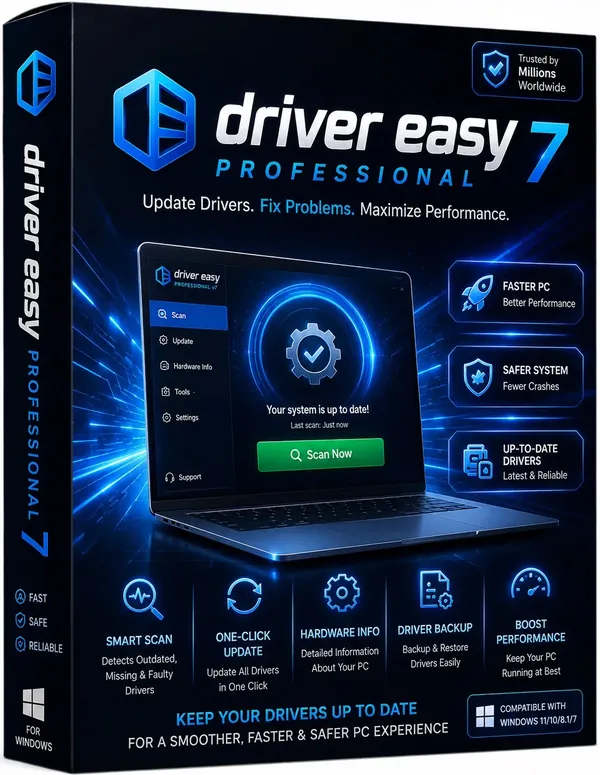
Free Download Driver Easy Professional 7.1.5.5695 Multilingual | 10.1 Mb
Driver Easy Professional is a Windows utility designed to simplify driver management by scanning your computer, identifying outdated or missing device drivers, and helping you install compatible versions with minimal effort. It is suitable for home users and IT professionals who want to maintain hardware compatibility and system stability without manually searching for drivers.
This release includes both the standard installation package and a Portable edition, giving users the flexibility to install the application traditionally or run the portable version when needed. In addition to driver updates, the software provides tools for driver backup, restoration, and removal, making it useful for routine maintenance and system recovery.
Software OverviewDriver Easy Professional automatically scans the system to detect hardware components and compare installed drivers against its online database. It helps identify outdated, missing, or unknown device drivers and provides an organized way to download and install compatible updates.
The software also includes utilities for backing up existing drivers before making changes, restoring previously saved drivers after reinstalling Windows, and removing obsolete drivers left behind by disconnected hardware. These functions help maintain a cleaner and more stable Windows environment.
Key Features
- Automatically scans the system for outdated, missing, and unknown drivers.
- Downloads compatible hardware drivers from a large online database.
- Supports automatic driver installation.
- Backs up installed drivers for future recovery.
- Restores previously backed-up drivers after system reinstallation.
- Uninstalls drivers associated with removed hardware devices.
- Helps improve hardware compatibility and system stability through updated drivers.
The included backup and restore functions are particularly useful before major system changes, while the Portable edition offers additional flexibility for technicians and users working across multiple computers.
System Requirements
- Operating System: Windows
What does Driver Easy Professional do?It scans your computer, detects outdated or missing drivers, and helps download and install compatible driver updates.
Can it identify unknown hardware devices?Yes. The software is designed to detect unknown devices and locate suitable drivers from its online database.
Does it support driver backup and recovery?Yes. You can back up installed drivers and restore them later if you reinstall Windows or need to roll back changes.
Is a Portable edition included?Yes. This release includes both the standard installer and a Portable edition.
Home Page
Code:
http://www.drivereasy.com/- Software Name: Driver Easy Professional
- Version: 7.1.5.5695
- Languages: Multilingual
- License type: Full Version
- File Size: 10.1 Mb
Recommend Download Link Hight Speed | Please Say Thanks Keep Topic Live
Rapidgator
h1jlb.Driver.Easy.Professional.7.1.5.5695.rar.html
UploadCloud
h1jlb.Driver.Easy.Professional.7.1.5.5695.rar.html
DDownload
h1jlb.Driver.Easy.Professional.7.1.5.5695.rar
FreeDL
h1jlb.Driver.Easy.Professional.7.1.5.5695.rar.html
Links are Interchangeable - No Password - Single Extraction

