
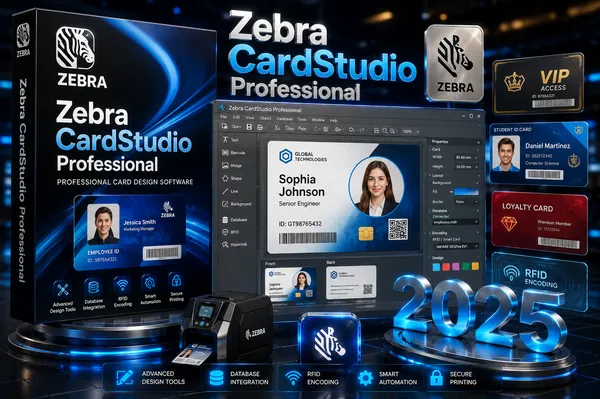
Zebra CardStudio Professional 2.5.41.0 Multilingual Fast Links | 231 Mb
Zebra CardStudio Professional is a card design and issuance application developed for creating professional ID cards, membership cards, and access control badges. It is used in environments where secure identification and credential management are required, including corporate offices, educational institutions, and enterprise access systems.
The software provides tools for designing both physical cards and digital IDs, allowing organizations to manage identity solutions across multiple formats. It supports integration with existing data sources, enabling automated generation of cards using information from databases, spreadsheets, or other enterprise systems.
In addition to design capabilities, CardStudio includes advanced data handling features for merging text, images, and personal information into card layouts. This allows users to produce consistent, high-quality card outputs while reducing manual input. Digital ID functionality also enables mobile-based credentials as a complement to physical cards.
The application supports various encoding technologies used in smart cards, including MIFARE and DESFire standards, making it suitable for access control and secure identification systems. It is designed to work alongside Zebra card printers to streamline the full issuance workflow from design to printing.
Key Features:
System Requirements:
- Installation of Zebra Card printer Windows Driver is required prior to CardStudio Installation
- IBM® compatible PC with a Pentium® processor with at least 512MB RAM (1GB recommended)
- Microsoft® Windows® XP, Windows 7, Windows 8 and Windows 10 operating systems
- Disk space: 250MB with partial clip art or 400MB with full clip art installed
- Mouse or other Windows-compatible pointing device
Home Page
The application supports various encoding technologies used in smart cards, including MIFARE and DESFire standards, making it suitable for access control and secure identification systems. It is designed to work alongside Zebra card printers to streamline the full issuance workflow from design to printing.
Key Features:
- Professional ID card and badge design tools
- Support for physical and digital ID creation
- Integration with external data sources for automated card generation
- Smart card encoding support including MIFARE and DESFire
- Compatibility with Zebra card printing systems
- Tools for managing enterprise-level card issuance workflows
- Multi-language support with improved Unicode handling
- Enhanced support for secure access control applications
System Requirements:
- Installation of Zebra Card printer Windows Driver is required prior to CardStudio Installation
- IBM® compatible PC with a Pentium® processor with at least 512MB RAM (1GB recommended)
- Microsoft® Windows® XP, Windows 7, Windows 8 and Windows 10 operating systems
- Disk space: 250MB with partial clip art or 400MB with full clip art installed
- Mouse or other Windows-compatible pointing device
Home Page
Code:
https://www.zebra.comRecommend Download Link Hight Speed | Please Say Thanks Keep Topic Live
Rapidgator
jy48e.Zebra.CardStudio.Professional.2.5.41.0.rar.html
jy48e.Zebra.CardStudio.Professional.2.5.41.0.rar.html
DDownload
jy48e.Zebra.CardStudio.Professional.2.5.41.0.rar
FreeDL
jy48e.Zebra.CardStudio.Professional.2.5.41.0.rar.html
Links are Interchangeable - No Password - Single Extraction

